


What does your parcel cost? See the DHL Express and UPS price in seconds.
Get a priceShort answer: Book a UPS shipment on ohship.fi: enter the sender and recipient countries, the weight and the size, choose UPS Standard or UPS Express Saver and pay by card. Print the label, stick it on the box and drop the parcel off at a UPS Access Point or book a pickup with UPS. You don't need an account.
UPS is one of Europe's largest carriers and delivers door to door across the EU. This guide shows how to send a parcel with UPS from Finland to another EU country through OhShip: which service to choose, how to pack and measure the parcel, where to drop it off and how to track it.
Contents
- UPS services on OhShip
- Pack the parcel
- Measure and weigh
- Book and print the label
- Drop the parcel off at a UPS Access Point
- Or book a pickup
- Track the parcel
- What decides the price of a UPS shipment?
- Frequently asked questions
1. UPS services on OhShip
- UPS Standard goes by road. It is usually cheaper than express, but a little slower.
- UPS Express Saver goes by air and is faster on many routes.
You see the price and the expected delivery time of both before you pay. You can send up to 10 parcels to the same recipient in one booking.
Insurance: UPS shipments are covered by UPS's standard liability under its terms, but extra insurance cannot be added. If you are sending something valuable, choose DHL Express: you can add insurance when you book.
2. Pack the parcel
- Use a strong box that can carry the weight of the contents.
- Fill the gaps with paper or bubble wrap so nothing moves.
- Wrap fragile items one by one, with padding around them.
- Tape every seam with wide packing tape, including the bottom.
- Remove old labels and barcodes if you reuse a box.
Batteries: loose batteries and power banks cannot be sent. A device with the battery inside can be sent if it is switched off and well packed. Charge the battery to no more than 30%: IATA recommends this for devices that travel by air.
More in our guide to preparing your parcel.
3. Measure and weigh
Measure the length, width and height of the closed box and round up to whole centimetres. Weigh the parcel once packed.
- A parcel can weigh up to 70 kg.
- The longest side can be up to 120 cm and the other two up to 80 cm.
- With UPS, the length plus twice the width plus twice the height can be up to 400 cm.
The price is based on the actual weight or the volumetric weight, whichever is higher:
Volumetric weight = length × width × height in cm ÷ 5000
If UPS measures the parcel as larger or heavier than you entered, the difference is invoiced afterwards.
4. Book and print the label
- On the UPS page or the Prices page, enter the sender and recipient countries and postcodes.
- Enter the weight and size of the parcel and choose UPS Standard or UPS Express Saver.
- Fill in the sender and recipient details. Add the recipient's phone number so the driver can call.
- Pay by card. You don't need an account.
- Print the label on ordinary A4 paper and stick it on the largest side of the box with clear tape, so the barcode is visible.
Each parcel needs its own label. The label is valid for 30 days after purchase.
5. Drop the parcel off at a UPS Access Point
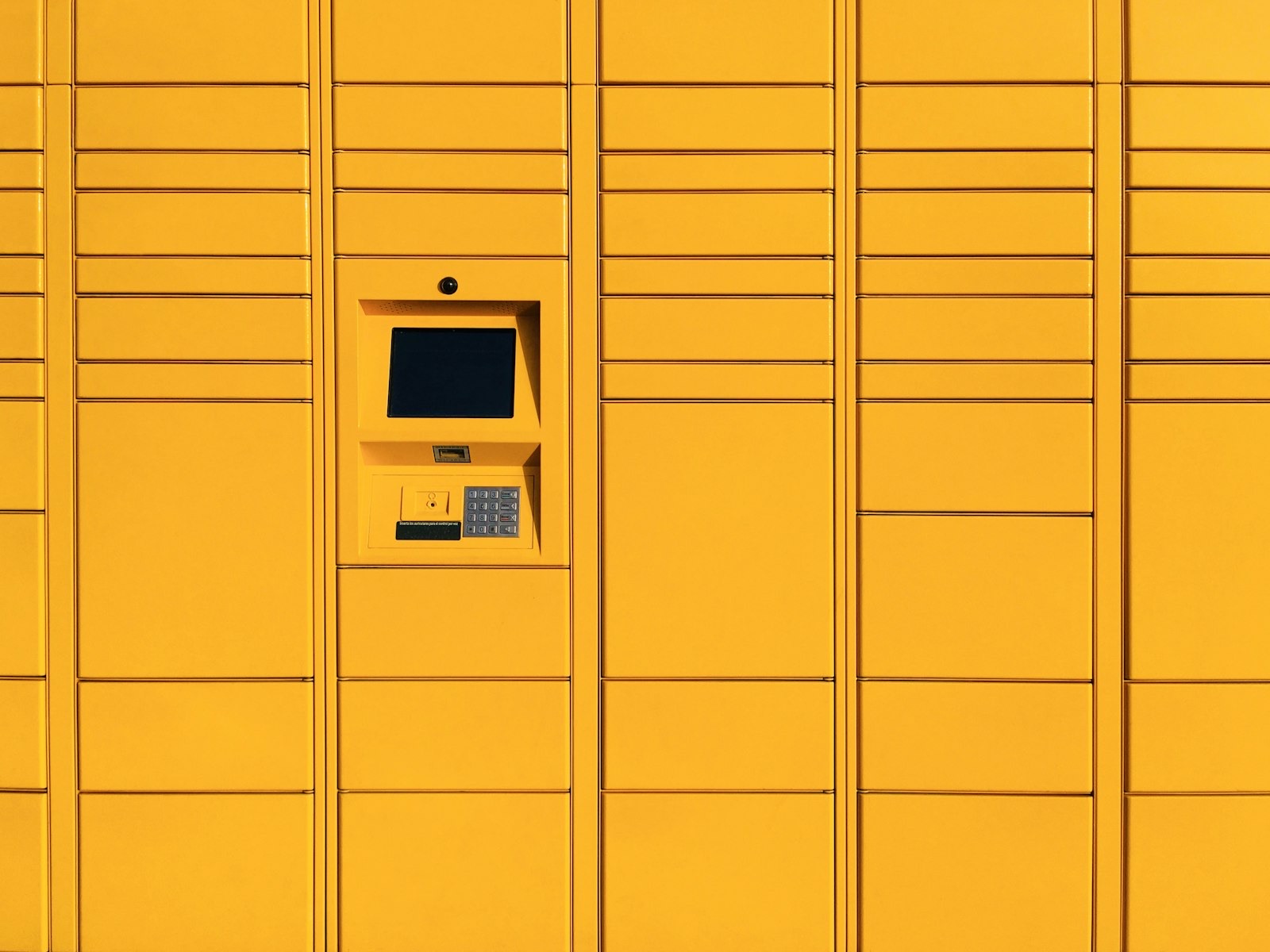
A UPS Access Point is usually a shop or a kiosk that accepts UPS parcels.
- Find the nearest one on our service points page by city, address or postcode.
- Check its opening hours.
- Take the parcel there with the label attached and keep the tracking number.
A UPS Access Point accepts parcels of up to 20 kg and 97 cm in length with a declared value of up to EUR 1,000. Book a pickup for a bigger or heavier parcel.
6. Or book a pickup
If you would rather not drop the parcel off yourself, book a pickup directly with UPS on ups.com:
- When UPS asks whether you already have a label, answer yes.
- Enter the 18-character tracking number from the label without spaces.
- Don't enter a UPS account number: the shipment is already paid.
- Give the number of parcels and the total weight, and choose the pickup day.
OhShip cannot book the pickup for you. OhShip charges nothing for a pickup, but UPS may charge a pickup fee.
7. Track the parcel
The tracking number is on the label. Enter it under "Track package" on ohship.fi or on the UPS website. If tracking hasn't updated for 24–48 hours, contact our customer service with the tracking number.
8. What decides the price of a UPS shipment?
- Weight and size: the actual weight or the volumetric weight.
- Destination: the country and the postcode. Islands and remote areas can cost a little more.
- Service: UPS Standard or UPS Express Saver.
Prices for private customers include VAT. See current prices on the Prices page or on the destination's page, for example Germany, Sweden, Estonia, Spain or Poland.
9. Frequently asked questions
Which is faster, UPS Standard or UPS Express Saver? UPS Express Saver goes by air and is faster on many routes. UPS Standard is usually cheaper. You see the expected delivery time of both before you pay.
Can I insure a UPS shipment? No. Extra insurance cannot be added to UPS shipments; they are covered by UPS's standard liability. You can add insurance to a DHL Express shipment.
How heavy a parcel can I send with UPS? Up to 70 kg. A UPS Access Point accepts parcels of up to 20 kg, so book a pickup for a heavier one.
Can I send several parcels at once? Yes. With UPS you can send up to 10 parcels to the same recipient in one booking. You get one PDF with a label for each parcel.
Sources: OhShip's own information (as of 26 November 2026): FAQ (UPS Standard and Express Saver, insurance, size limits, UPS Access Points, pickup and pickup fee, several parcels, label validity, batteries).
More from the blog
All articles
Christmas shipping deadlines 2026: send gifts from Finland to the EU in time
When to send a Christmas parcel from Finland to another EU country in 2026: UPS closing days, DHL Express status and a table of last sending days.
What can you send in a parcel from Finland? Prohibited items
Perfume, batteries, alcohol, food, jewellery: what you can send in a parcel from Finland to another EU country with UPS and DHL Express, and what never goes.
Is my parcel insured? Insurance and compensation when sending from Finland
Carrier liability may not cover what your parcel is worth. See what UPS covers, what DHL Express insurance costs and what to do if a parcel is lost or damaged.